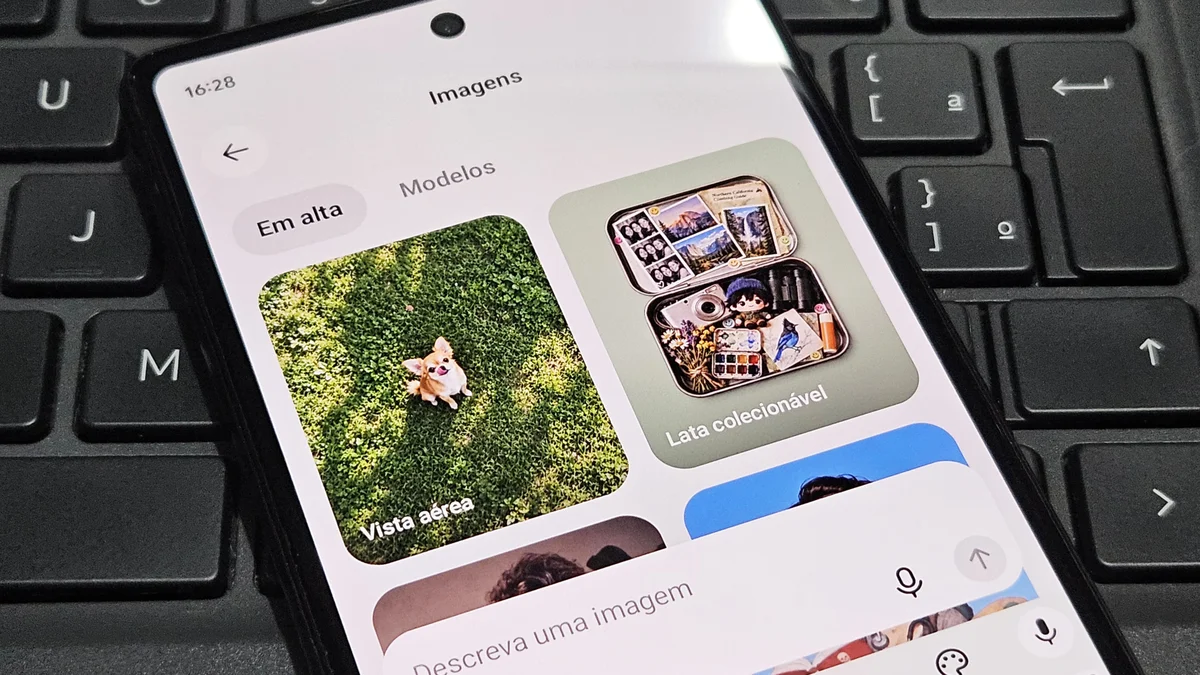
BLUF (Bottom Line Up Front): ChatGPT can now create animated GIFs from user-submitted text commands or images. The new feature arrived with the Images 2.6 model, which generates animations in a single step, without the need to use other applications.
In addition to GIFs, Images 2.6 brings improvements in generation speed, with results up to 50% faster, and in editing control. The model also better preserves details of characters, products, and other visual elements during changes.
The new feature is available globally for users of all ChatGPT and Codex subscription modalities, on the web and in computer and cell phone applications.
To create an animated GIF in ChatGPT, just send a text command or reference image to the AI. See the steps:
In the text field, describe the animation you want to create;
Attach a reference image if desired;
Send the command and wait for the image to be generated;
Review the GIF and make adjustments if necessary;
Silicon Dispatch Strategic Takeaways
- Desk Alignment: Verified dispatch within the AI & Emerging Tech pillar.
- Technical Verification: Hardware and software specifications corroborated against manufacturer roadmaps.
- Market Impact: Analysis tailored for North American enterprise decision-makers and high-performance tech enthusiasts.
Affiliate Disclosure: Articles published by Silicon Dispatch may include verified affiliate partner links. If you purchase through these links, we may earn an affiliate commission at no additional cost to you.